
A virtual office for remote and hybrid teams
Give your team a place to work together online. Teams stay in their own groups, drop in on each other when they need to, and hosts can reach everyone at once - with audio, video and chat encrypted end to end.
Stay connected, productive and aligned
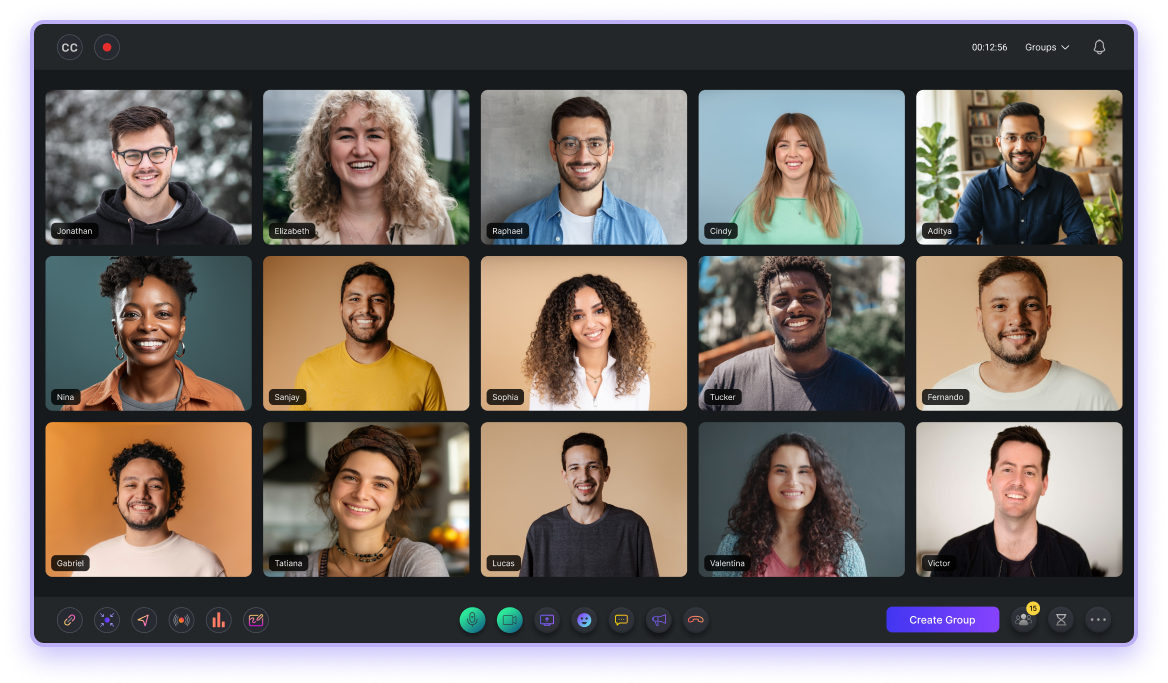
Remote work can feel isolated when every conversation needs a scheduled call. A Bozu virtual office brings back the feeling of working side by side: teams sit in their own groups, can see who is around, and move to another group when they need to talk.
Groups can be locked or made anonymous, screens can be shared privately within a group, and hosts can use announcement mode or presentation mode to address everyone. Participants can also dial in by phone with the PSTN call-in option.
- Audio and video calls end-to-end encrypted, with encrypted chats
- Private screen share within your group
- Presentation mode with host controls
- Lock or unlock groups and anonymous groups
- Host audio announcement mode to reach every group
- PSTN call-in option to join by phone
Get started in 4 steps
Create a Bozu meeting space for your team and share the link.
Teams gather in their own groups and lock them when they need privacy.
Talk, share screens within your group, and drop in on other groups when needed.
Use Bozu Connect for chat and calls between meetings.
Who uses Virtual Office
Remote companies
Give a fully remote team one place to meet every day.
Hybrid teams
Connect people in the office and at home in the same space.
Co-working sessions
Work side by side with your team, cameras on or off.
Daily stand-ups
Bring every group together with host announcement mode.
Client meetings
Lock a group and share your screen privately with a client.
Phone participants
Let participants dial in by phone with PSTN call-in.
Frequently asked questions
What is a virtual office?
A virtual office is an online space where a remote or hybrid team works together during the day. In Bozu, teams sit in their own groups inside one meeting and can move between groups to talk.
Is my virtual office secure?
Bozu meetings for professional use include end-to-end encrypted audio, video and chats, and groups can be locked for private conversations.
Can people join by phone?
Yes. Bozu offers a PSTN call-in option for participants who need to join by phone.
Does it work for hybrid teams in the same room?
Yes. Bozu includes same-physical-room echo cancellation and AI-based noise cancellation, so people in one room can join from their own devices.
Related features
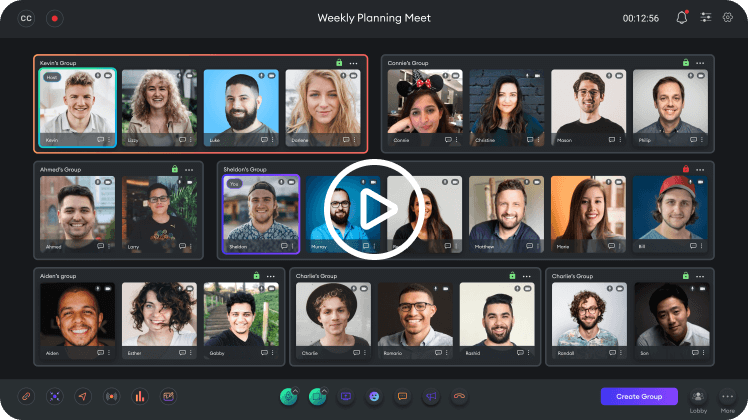
Many group conversations in one meeting. Drag and drop to move between groups.
Learn moreDirect and group chats, voice and video calls, and call history next to your meetings.
Learn more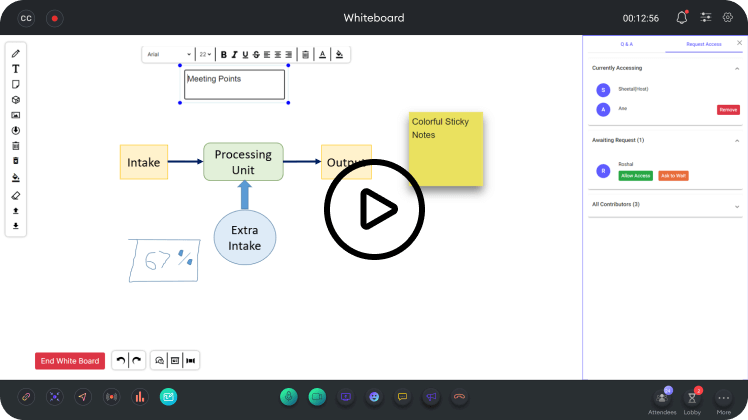
Digital and transparent whiteboards for visual collaboration and annotation.
Learn moreWant to see Bozu in action for your team?
Work Virtually, Happily, & Effectively - join the live demo event and see it for yourself.