
An online whiteboard built into every meeting
Bring teams together by collaborating visually. Draw on the Bozu digital whiteboard, or annotate on a transparent board over shared content together with other attendees.
Explain it faster with a picture
Some ideas are easier to draw than to say. The Bozu whiteboard is built into the meeting, so there is no separate tool to open and no link to share - everyone in the session can sketch, mark up and brainstorm together.
A blank canvas for ideas
Collaborate visually on a shared board - brainstorm, plan and explain ideas with quick sketches.
Annotate on top of anything
Draw over shared content together with other attendees - point at a slide, circle a detail, or mark a play.
The transparent board lets attendees annotate on top of what is being shown, which makes it easy to point at a slide, circle a detail in a design, or mark a play in a sports highlight.
Annotation tools
Sketch, mark up and write on the board - made for interactive classes.
Draw together
Everyone in the session can sketch and mark up at the same time.
Built into the meeting
No separate tool, no link to share, nothing extra to install.
Get started in 3 steps
Start the whiteboard from inside your Bozu meeting.
Attendees sketch, write and mark up ideas at the same time.
Switch to the transparent board to annotate on top of what is on screen.
Who uses Online Whiteboard
Teaching
Explain problems step by step and let students work on the board.
Brainstorming
Capture ideas visually as the team comes up with them.
Design reviews
Circle and comment on details right on top of the design.
Planning
Sketch timelines, flows and plans together.
Sports analysis
Mark plays on a transparent screen over a highlight.
Training
Walk trainees through processes with live annotation.
Frequently asked questions
Is the whiteboard included in Bozu meetings?
Yes. The whiteboard is built into Bozu meetings, so you can open it during a session without a separate tool.
What is a transparent whiteboard?
A transparent board lets attendees draw and annotate on top of the content being shown, so you can point out details directly on a slide, document or video.
Can several people draw at once?
Yes. The whiteboard is collaborative, so attendees can annotate together with other attendees.
Is the whiteboard useful for online classes?
Yes. Teachers use the whiteboard and annotation tools to deliver interactive classes.
Related features
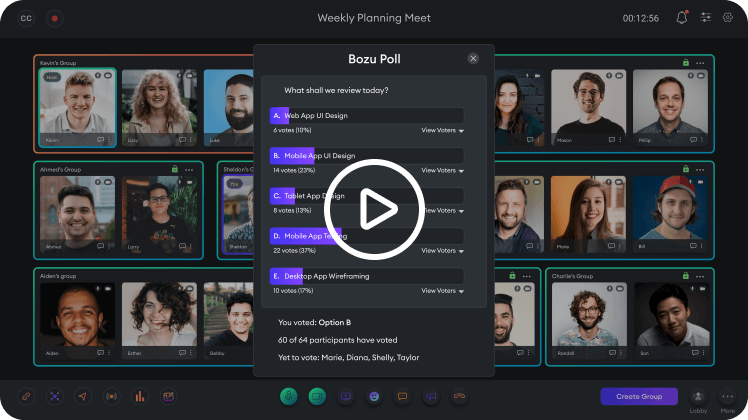
Public and private polls with live results and exportable insights.
Learn more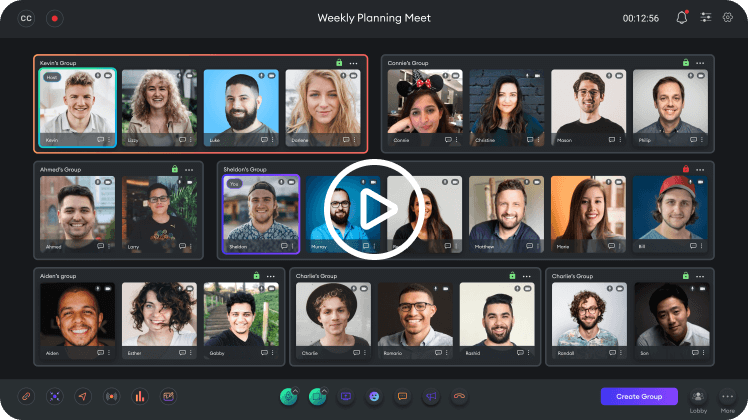
Many group conversations in one meeting. Drag and drop to move between groups.
Learn more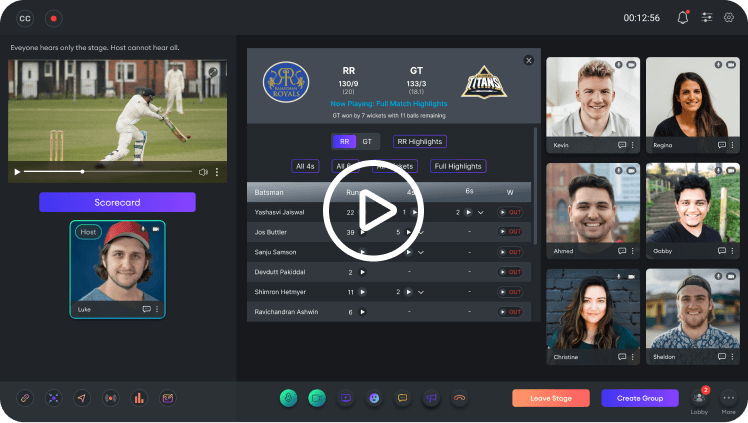
Recorded sports with indexed highlights and a scorecard that jumps to clips.
Learn moreWant to brainstorm and collaborate visually with your team?
Work Virtually, Happily, & Effectively - join the live demo event and see it for yourself.