
Chat, call and stay connected between meetings
Bozu Connect brings team messaging and calling into the same place as your meetings and webinars. Message people one-to-one or in groups, jump on a voice or video call, and find any chat, call or contact in seconds.
Your team's conversations, all in one place
Meetings end, but work keeps going. With Bozu Connect your team does not need a separate chat app: direct messages, group chats and calls live right next to your Bozu meetings and webinars.
Direct and group chats
With unread badges so nothing gets missed.
Voice and video calls
In one click, with one person or the whole group.
Call history
Of incoming, missed and busy calls.
Contacts and requests
To find people and keep them in one place.
Files, links and emoji
Including images, GIFs and meeting links.
Group controls
To add members, mute and pin chats.
Start a voice or video call from any conversation in one click, share files and meeting links where the discussion is happening, and keep every contact, chat and call in one searchable place.
Try Bozu ConnectGet started in 3 steps
Sign in to Bozu and open Bozu Connect from the side rail.
Find people, send friend requests, and create group chats for teams and projects.
Message, share files and meeting links, and start a voice or video call from any conversation.
Who uses Team Chat (Bozu Connect)
Project teams
Create a group chat for each project and keep the discussion next to your meetings.
Quick calls
Skip scheduling and jump on a voice or video call straight from the chat.
Event crews
Coordinate hosts and presenters before and after a webinar or conference.
Classes and cohorts
Keep students and trainers connected between live sessions.
Communities
Run group conversations for clubs, groups and online communities.
Remote offices
Give distributed teams one place to message, call and meet.
Frequently asked questions
What is Bozu Connect?
Bozu Connect is the team chat and calling app inside Bozu. It brings one-to-one and group messaging, voice and video calls, call history and contacts into the same place as your Bozu meetings and webinars.
Can I make video calls from a chat?
Yes. You can start a voice or video call from any conversation in one click, with one person or the whole group.
Can I share files in Bozu Connect?
Yes. You can share files, images, GIFs and meeting links, and react to messages with emoji.
How do I start using Bozu Connect?
Log in to your Bozu account and open Bozu Connect. If you do not have an account yet, you can sign up for free.
Related features
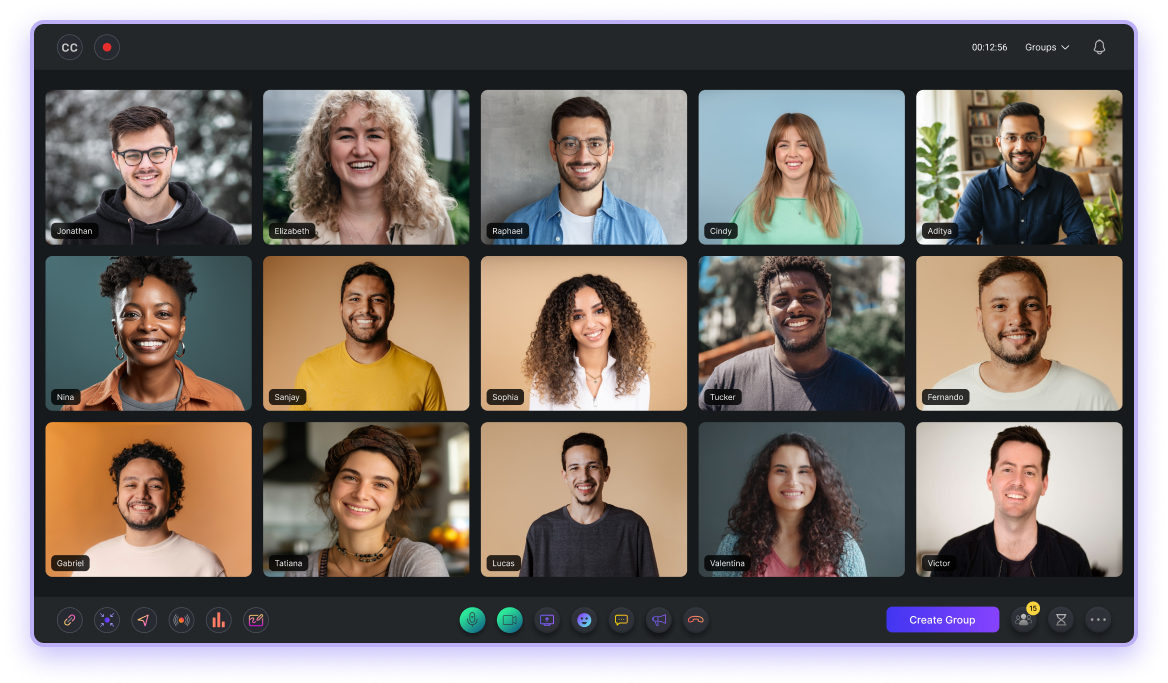
Group spaces, private screen share and host announcements for remote and hybrid teams.
Learn more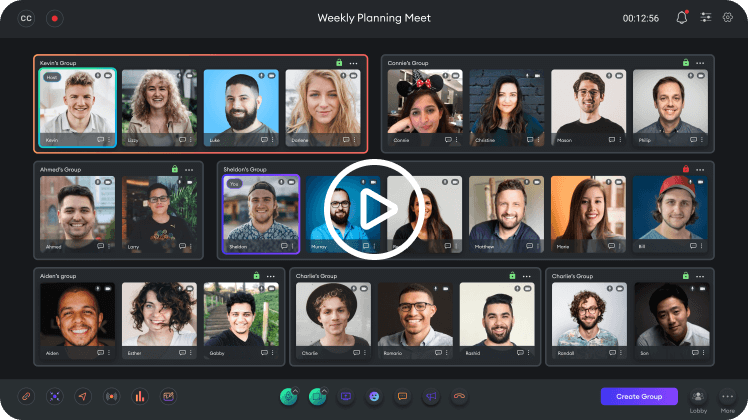
Many group conversations in one meeting. Drag and drop to move between groups.
Learn more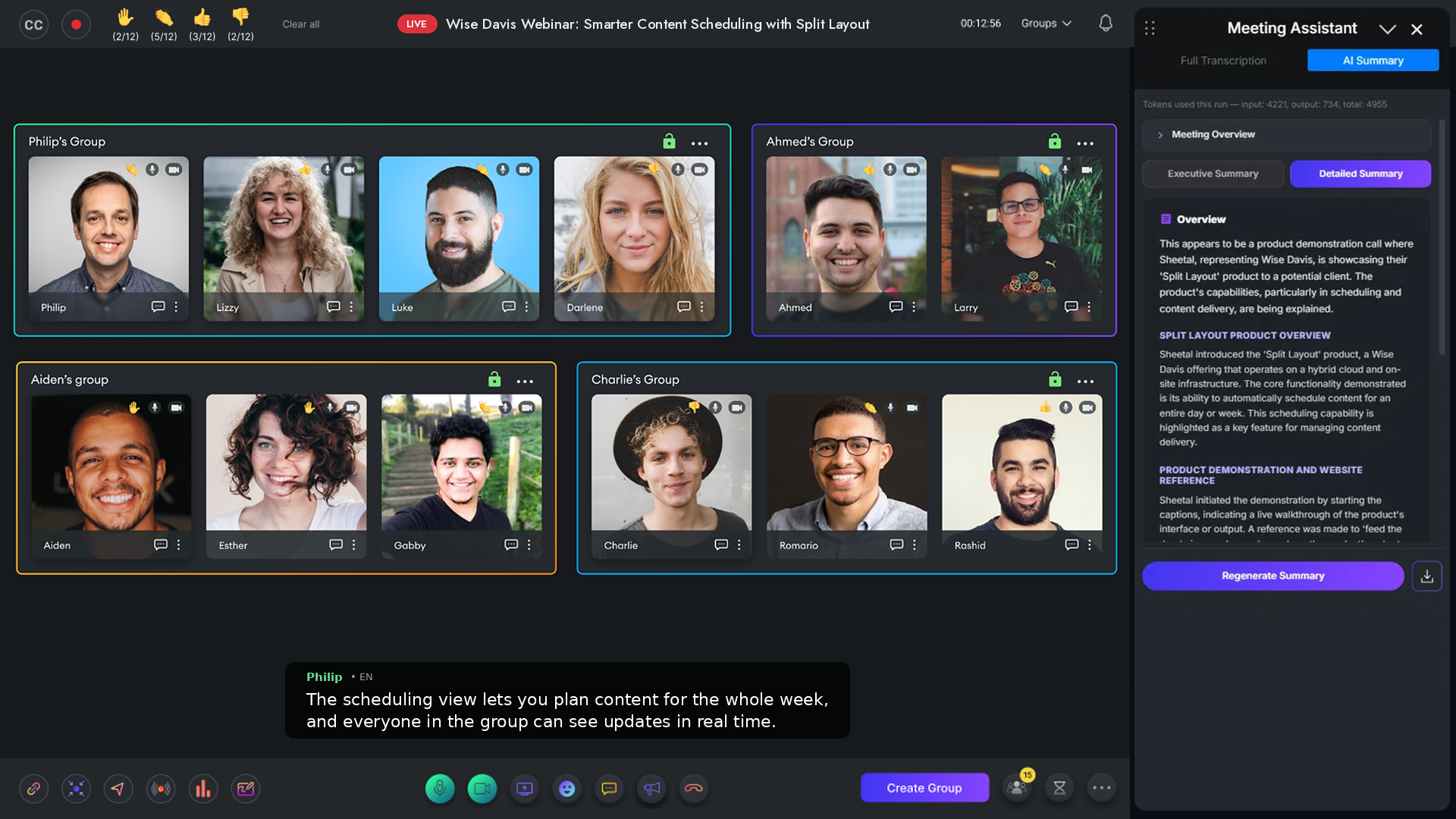
Live captions in 75+ languages, full transcripts and an AI summary with action points.
Learn moreWant to keep your team connected between meetings?
Work Virtually, Happily, & Effectively - join the live demo event and see it for yourself.