
Multi-Group Meetings that feel like a real room
See all around, move anywhere, catch up and mingle. Bozu lets attendees split into groups inside one meeting and move between them with drag and drop - no waiting for a host to open breakout rooms.
Breakout rooms, reinvented
In most video calls, one person talks and everyone else waits. Breakout rooms help, but attendees are stuck wherever the host puts them. Bozu Multi-Group Meetings work the way people talk in a real room: several conversations happen at the same time, and anyone can walk over to another group.
Every group is visible on one screen, so attendees can see who is talking with whom and drag themselves into the conversation they want. Groups can be locked for private discussions or left open for anyone to join, and hosts keep the controls they need to bring everyone back together.
Traditional breakout rooms
- The host assigns people to rooms
- Attendees wait to be moved
- Rooms are hidden from each other
- One person talks while everyone else waits
Bozu Multi-Group Meetings
- Drag and drop to join another group
- Every group visible on one screen
- Invite any attendee to your group
- Lock or unlock for private or public conversations
Get started in 4 steps
Create a meeting from your Bozu dashboard and share the link. Attendees join from the browser or the Bozu apps.
Attendees gather into groups, or invite the people they want to talk with into their own group.
Drag and drop into another group at any time. Lock your group when you need a private conversation.
Hosts use announcement mode or presentation mode to address every group at once.
Who uses Multi-Group Meetings
Virtual networking
Let attendees mingle and move between conversations, just like at an in-person mixer.
Classroom breakouts
Split a class into discussion groups and let students move between them.
Team workshops
Run parallel working sessions and share screens privately within each group.
Social hangouts
Host parties and reunions where everyone can catch up in smaller circles.
Virtual office
Keep teams in their own groups all day and drop in on each other when needed.
Conference sessions
Give a multi-group audience a place to talk before and after the main stage.
Frequently asked questions
What is a multi-group meeting?
A multi-group meeting is one online meeting that holds several small-group conversations at the same time. Everyone stays in the same meeting, and attendees can move between groups on their own.
How is this different from breakout rooms?
With traditional breakout rooms the host assigns people to rooms and everyone waits to be moved. In Bozu, attendees see every group on one screen and drag and drop themselves into the conversation they want to join.
Can a group have a private conversation?
Yes. Any group can be locked so others cannot join, and unlocked again when the group is ready for more people. Screen sharing can also be kept private within your group.
Do attendees need to install anything?
No. Bozu runs in the browser, and desktop, mobile and tablet apps are also available for Windows, Mac, iOS and Android.
Related features
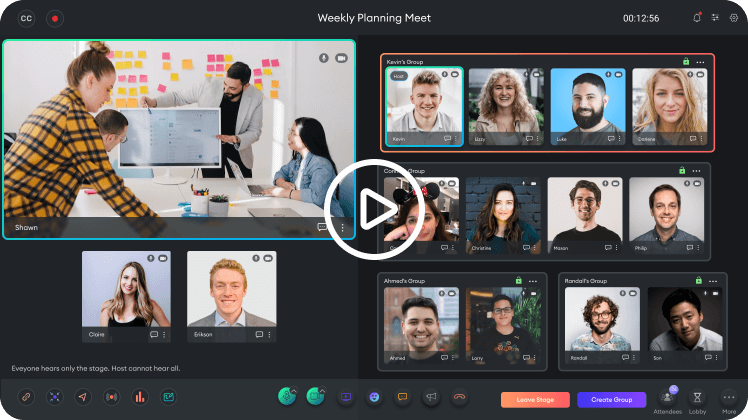
A real-life conference online, with a stage, presenters and a multi-group audience.
Learn more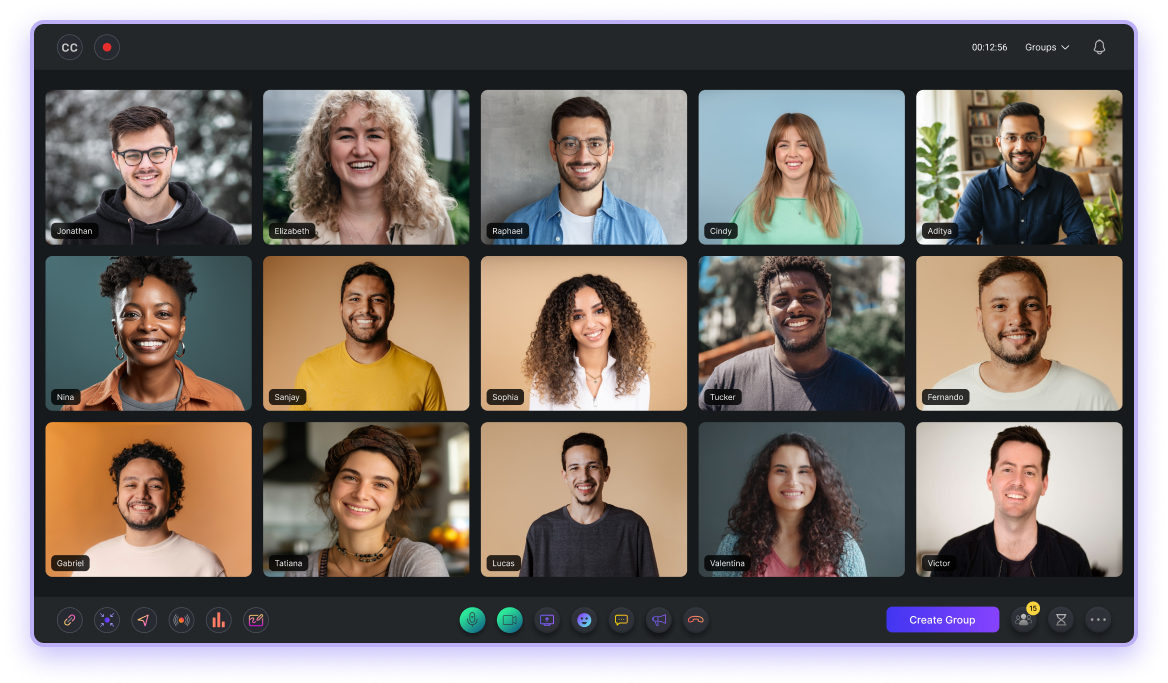
Group spaces, private screen share and host announcements for remote and hybrid teams.
Learn more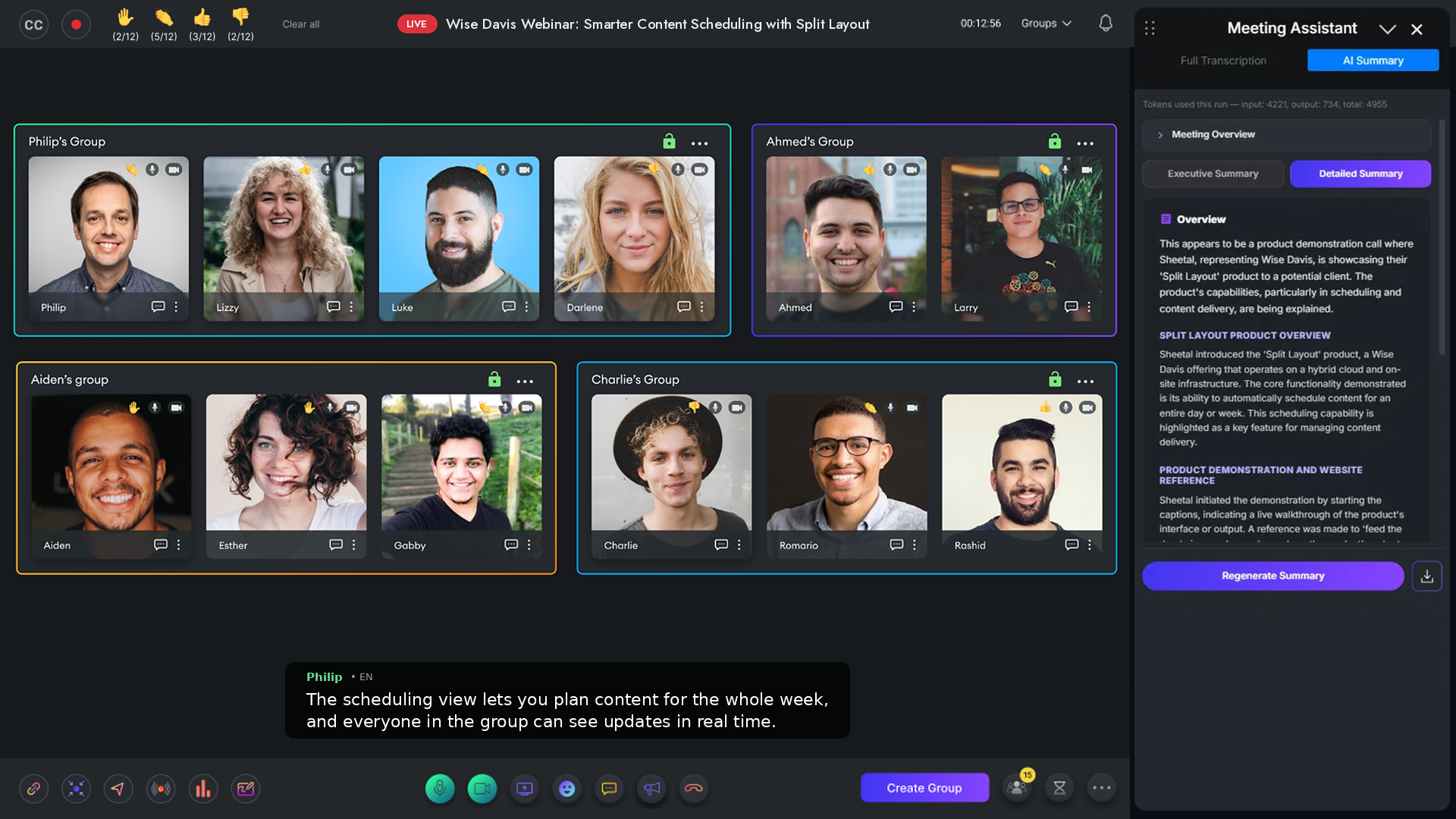
Live captions in 75+ languages, full transcripts and an AI summary with action points.
Learn moreWant to experience multi-group meetings and its advantages in action?
Work Virtually, Happily, & Effectively - join the live demo event and see it for yourself.