Every word understood, across languages
Bozu captions the conversation as it happens in 75+ languages, keeps a full transcript, and uses AI to turn it into a summary with action points the moment your meeting ends.
From conversation to action points
Language should never stop someone from following a meeting. Bozu adds multilingual closed captions to meetings, webinars and conferences, so each attendee can follow along in their own language - with more than 75 languages supported.
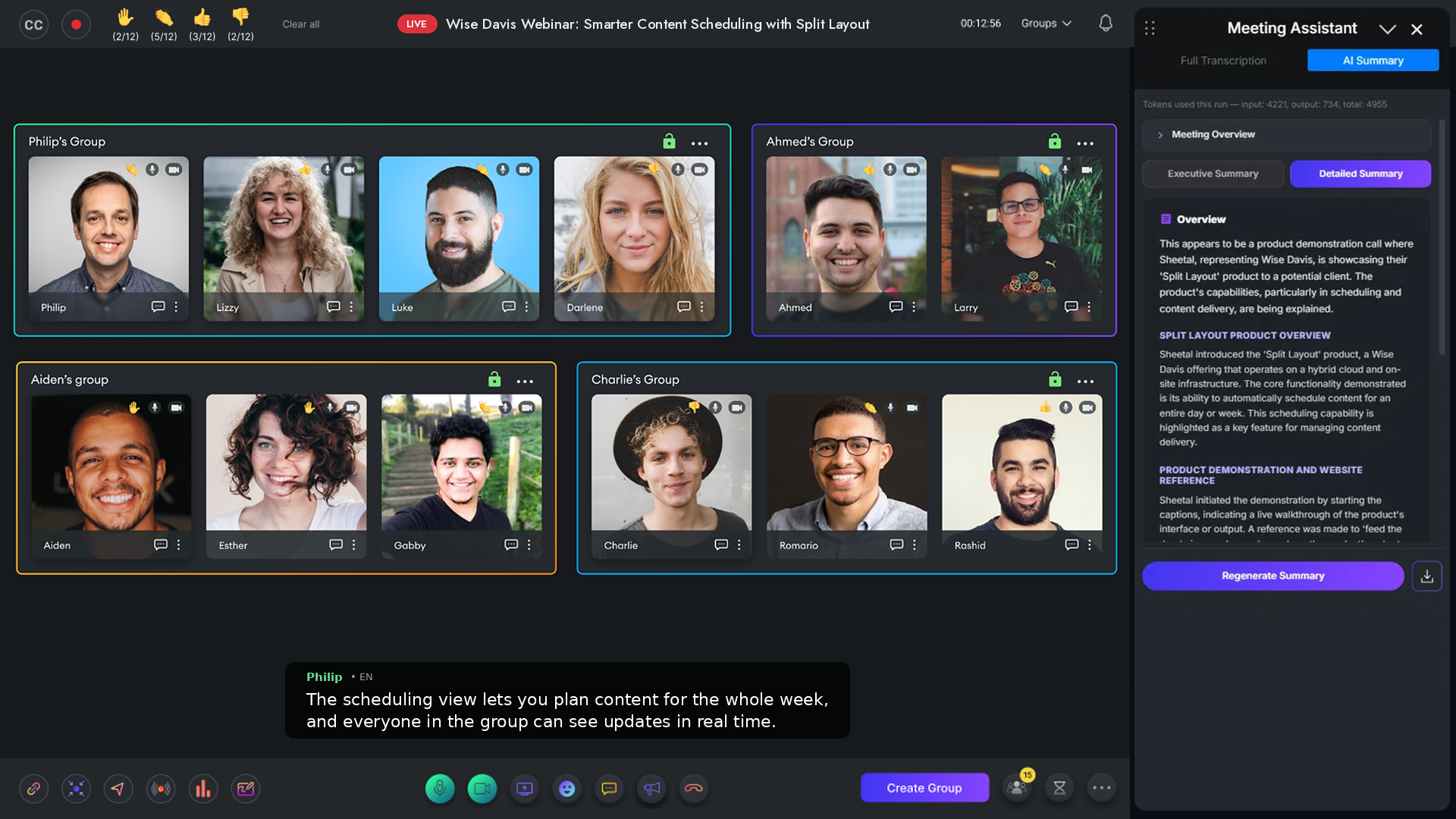
Languages for live captions
Multilingual closed captions so everyone can follow along in their own language.
Action points
Pulled out automatically the moment your meeting ends, so nothing gets missed.
Downloadable transcripts
A full record of everything said - download the transcript and AI summary anytime.
Indexed recordings
Jump to any moment of a recorded event using caption timestamps.
Works everywhere
Captions and summaries in every Bozu meeting, webinar and conference.
Everything said in the session is transcribed. When the meeting ends, Bozu's AI generates a summary of what was discussed and pulls out the action points, so nobody has to take notes and nothing gets missed. Both the transcript and the summary can be downloaded to share or keep. Recordings are indexed by caption timestamps, so you can jump straight to any moment.
Get started in 3 steps
Open the CC menu in your meeting and choose the language you want to read captions in.
Bozu captions and transcribes the conversation in real time while you meet.
When the meeting ends, the Meeting Assistant creates a summary with action points.
Who uses AI Captions & Summaries
Global teams
Let every team member follow the meeting in the language they read best.
No more note-taking
Focus on the conversation and let AI write the summary and action points.
Online classes
Give students captions and a transcript to review after the lesson.
Accessibility
Support attendees who are deaf or hard of hearing with live captions.
Webinars and events
Make international events accessible to audiences in many languages.
Searchable recordings
Jump to any moment of a recorded event using caption timestamps.
Frequently asked questions
How many languages do Bozu captions support?
Bozu multilingual closed captions support more than 75 languages, so attendees can follow along in their own language.
When is the AI meeting summary created?
The AI summary is generated the moment your meeting ends, together with the action points pulled from the conversation.
Do I get a full transcript?
Yes. Bozu keeps a full transcription of everything said in the session.
Can I download the transcript and AI summary?
Yes. Both the full transcript and the AI meeting summary are downloadable, so you can share them with your team or keep them for your records.
Are captions available in webinars and conferences too?
Yes. Multilingual captions are available in Bozu meetings, webinars and conferences.
Related features
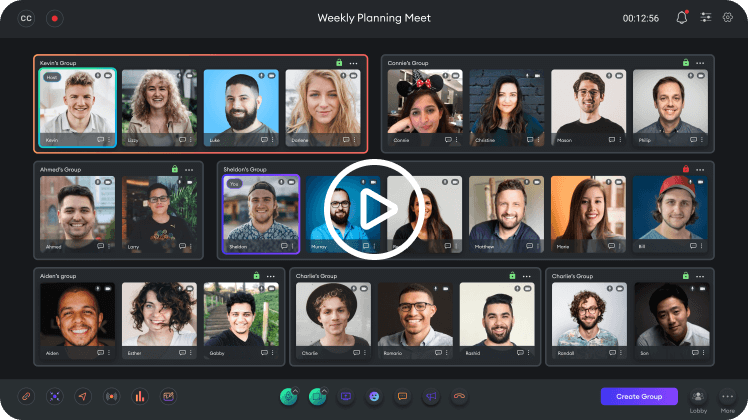
Many group conversations in one meeting. Drag and drop to move between groups.
Learn more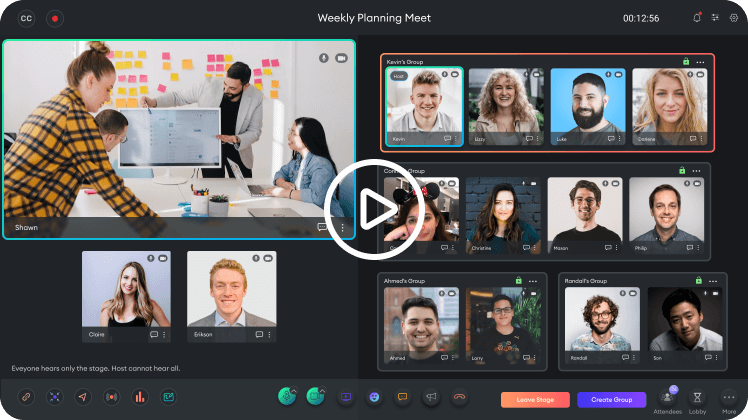
A real-life conference online, with a stage, presenters and a multi-group audience.
Learn moreDirect and group chats, voice and video calls, and call history next to your meetings.
Learn moreWant to experience captions in action for your meeting?
Work Virtually, Happily, & Effectively - join the live demo event and see it for yourself.