
Virtual conferences that feel like the real thing
Conference Mode recreates a live conference online: presenters on a shared stage, an audience seated in groups who can talk among themselves, and an audience microphone that lets anyone ask a question out loud.
A stage and an audience in one place
Most online events are a broadcast: speakers talk, and the audience watches in silence. Bozu Conference Mode is built to mimic a real conference, where the audience sits together in groups, reacts, and can step up to the microphone.
On stage
- Multiple hosts and presenters share one stage
- Pass the mic to the next speaker
- Invite attendees up on stage
In the audience
- Multi-group seating so people can talk within their group
- Audience microphone to ask questions out loud
- Public and private chats to keep everyone involved
After the event
- In-app recorder for anyone who missed it
- Multilingual captions with a full transcript
- AI summary of the key points
See Conference Mode in action
Multiple hosts and presenters share the stage, and hosts can pass the mic or invite an attendee on stage. Multilingual closed captions, public and private chats and polls keep every attendee involved, and the in-app recorder captures the event for anyone who missed it.
Join demo eventGet started in 4 steps
Schedule the conference from your dashboard and add your hosts and presenters.
Attendees join in groups, so they can talk with the people around them just like at a venue.
Present, share screens, take questions through the audience microphone, and invite people on stage.
Use the recording, transcript and AI summary to share the key points after the event.
Who uses Conference
Industry conferences
Run keynotes and panels with several speakers on one virtual stage.
Company all-hands
Address the whole company while teams sit together in their own groups.
Academic events
Host lectures and symposiums with live audience questions.
Product launches
Present to customers and partners and take questions live.
Public sector meetings
Hold town halls where citizens can step up to the microphone.
Healthcare and wellness
Deliver talks and community sessions with live captions for everyone.
Frequently asked questions
What is Conference Mode in Bozu?
Conference Mode is a Bozu event format that mimics a real conference. Hosts and presenters share a stage while the audience is seated in groups and can take part through the audience microphone, public and private chats and polls.
Can there be more than one presenter?
Yes. Conference Mode supports multiple hosts and presenters on stage, and hosts can invite attendees on stage or pass them the mic.
Can attendees talk to each other during the conference?
Yes. The audience sits in groups, so attendees can talk with the people in their group, just like sitting together at a live event.
Can I record the conference?
Yes. Bozu includes an in-app event recorder and viewer, and recordings can be indexed by caption timestamps so viewers can jump to any moment.
Related features
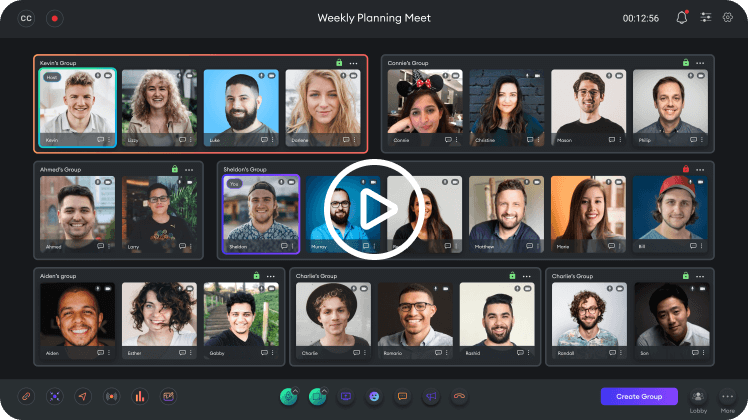
Many group conversations in one meeting. Drag and drop to move between groups.
Learn more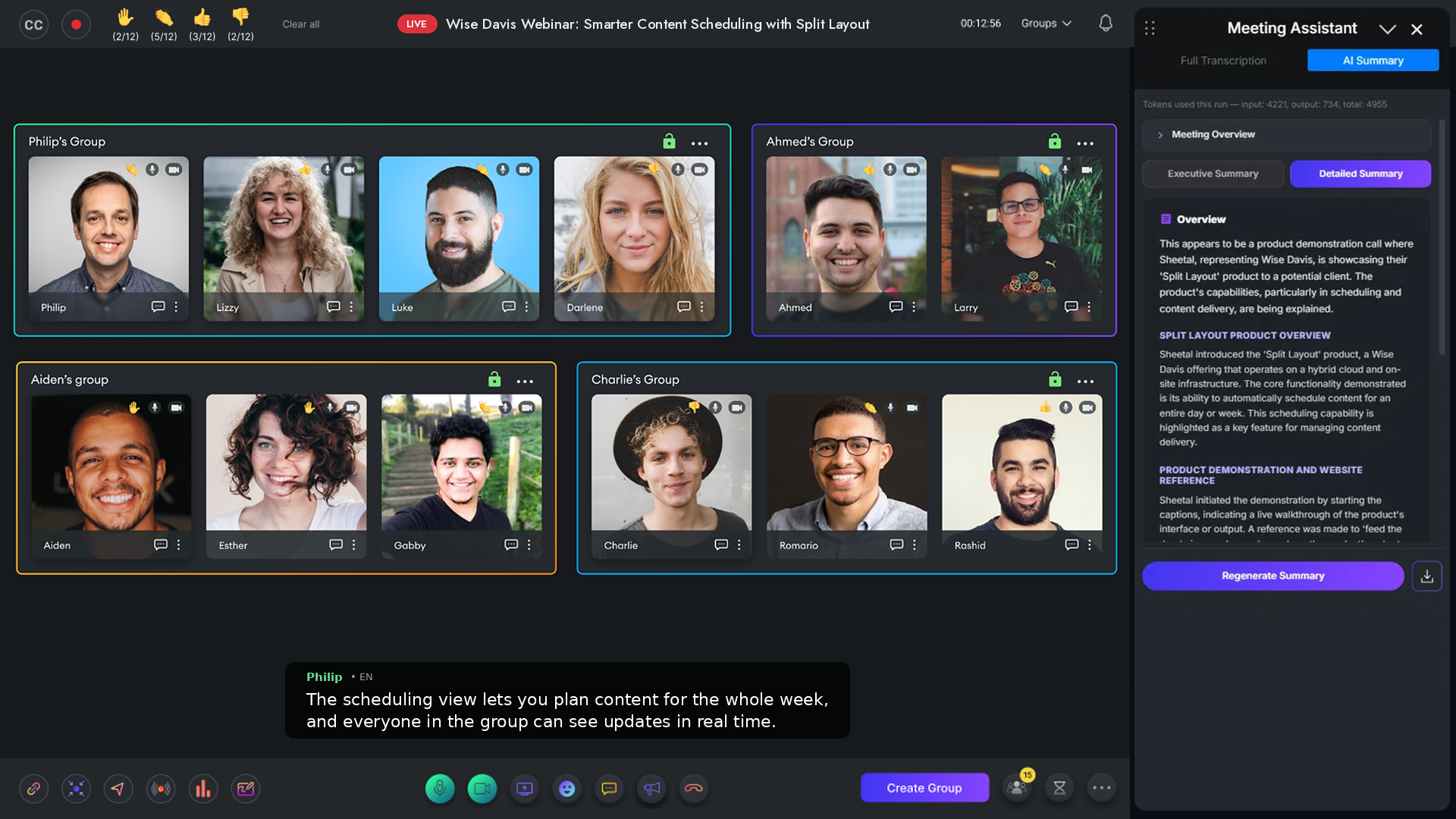
Live captions in 75+ languages, full transcripts and an AI summary with action points.
Learn more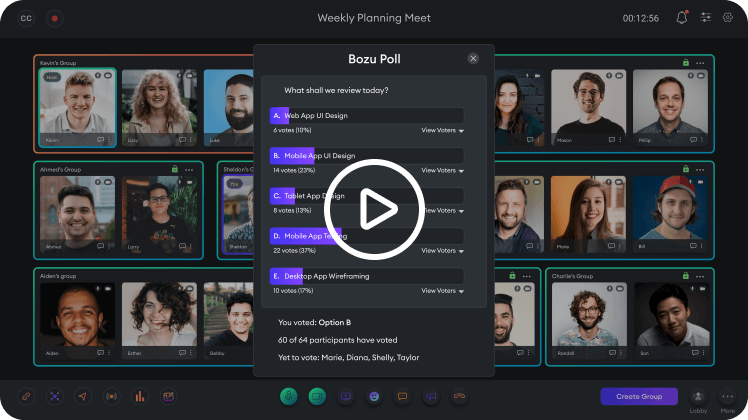
Public and private polls with live results and exportable insights.
Learn moreWant to host an interactive conference for your team?
Work Virtually, Happily, & Effectively - join the live demo event and see it for yourself.