
Live polls that get everyone talking
Ask a question and see the answers come in live. Bozu public and private polls work in meetings, webinars and conferences, and results can be exported for actionable insights.
Turn a quiet audience into an engaged one
A poll is the fastest way to bring an audience into the conversation. With Bozu live polls, hosts ask a question and every attendee can answer in a click, so even the quietest participants have a voice.
Share the results live
Everyone sees opinions come in as attendees respond - great for team decisions, icebreakers and big audiences.
Keep responses with the host
Collect honest feedback when answers should stay private - ideal for classroom checks and feedback on talks or events.
From question to insight
Choose a public poll when you want everyone to see the results live, or a private poll when responses should stay with the host. When the session is over, export the results and use them to make decisions.
- Live opinions as attendees respond
- Export poll results with actionable insights
- Works in meetings webinars and conferences
Get started in 3 steps
Write your question and answer options during your meeting or webinar.
Decide whether attendees see the live results or only the host does.
Download the results after the session and act on the insights.
Who uses Live Polls
Webinar engagement
Check what your audience already knows and keep them involved.
Team decisions
Let the team vote on options in seconds during a meeting.
Classroom checks
Check understanding with a quick question during a lesson.
Feedback
Collect opinions on a talk, product or event while it is happening.
Icebreakers
Open a social event with a fun question for the whole group.
Town halls
Gather input from a large audience in real time.
Frequently asked questions
What is the difference between public and private polls?
In a public poll attendees can see the results as they come in. In a private poll the responses are visible to the host.
Can I export poll results?
Yes. Poll results can be exported after the session so you can use the insights.
Can I use polls in webinars?
Yes. Live polls are available in Bozu meetings, webinars and conferences.
Do attendees need an app to answer polls?
No. Attendees can answer from the browser, or from the Bozu desktop, mobile and tablet apps.
Related features
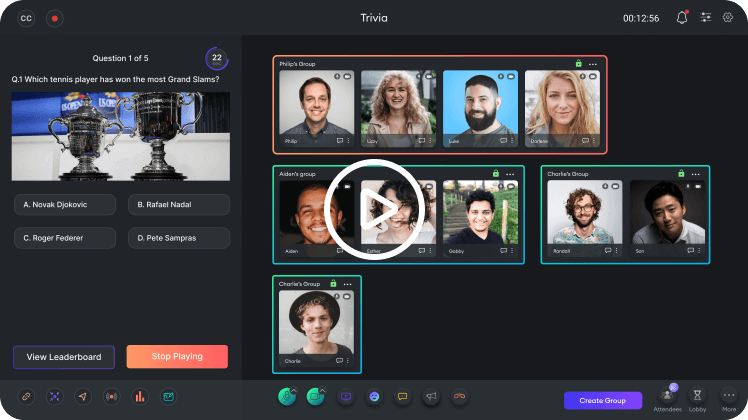
Thousands of built-in questions, custom trivia and an exportable, speed-ranked leaderboard.
Learn more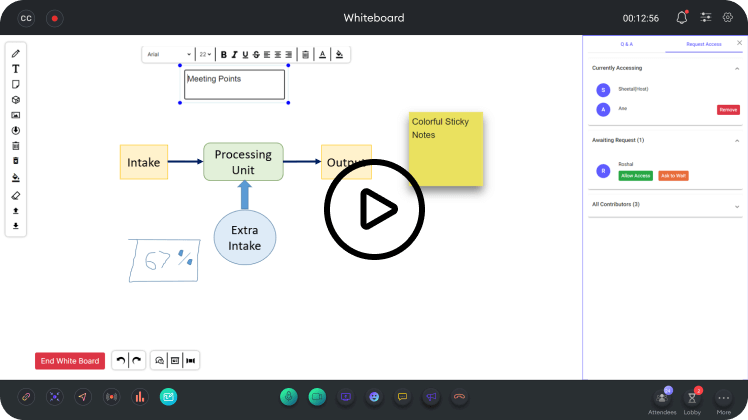
Digital and transparent whiteboards for visual collaboration and annotation.
Learn more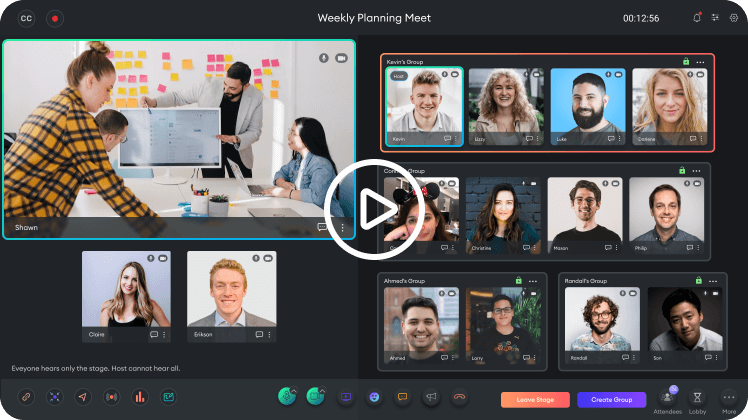
A real-life conference online, with a stage, presenters and a multi-group audience.
Learn moreWant to hear from every attendee with live polls?
Work Virtually, Happily, & Effectively - join the live demo event and see it for yourself.